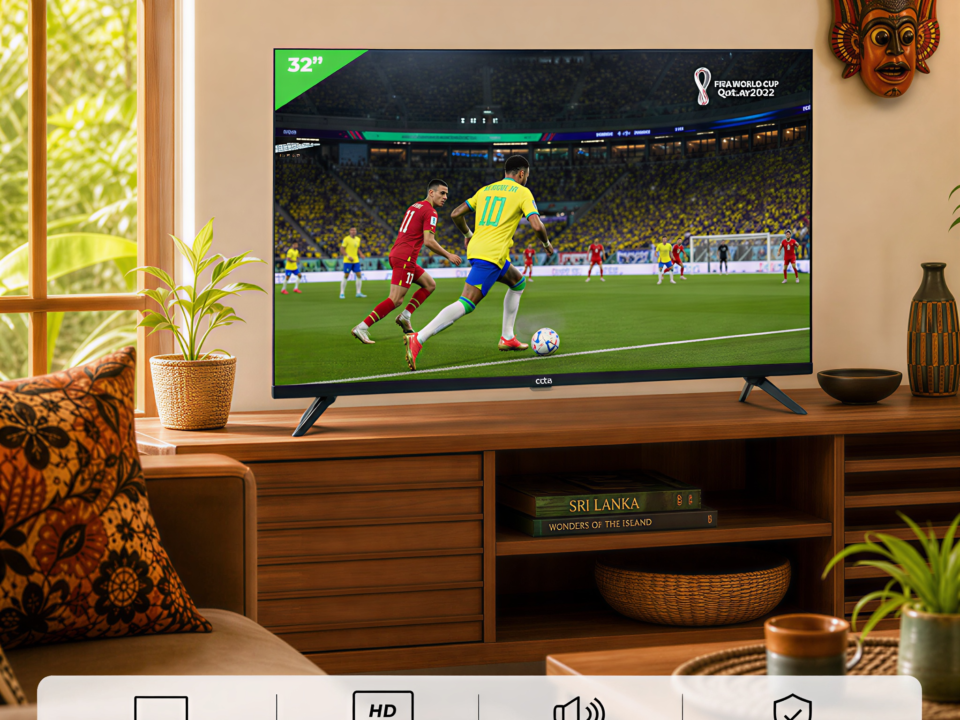
Budget vs. Quality: Why the OCTA 32″ Frameless HD LED TV is a Smart Choice for Sri Lankan Homes
June 24, 2026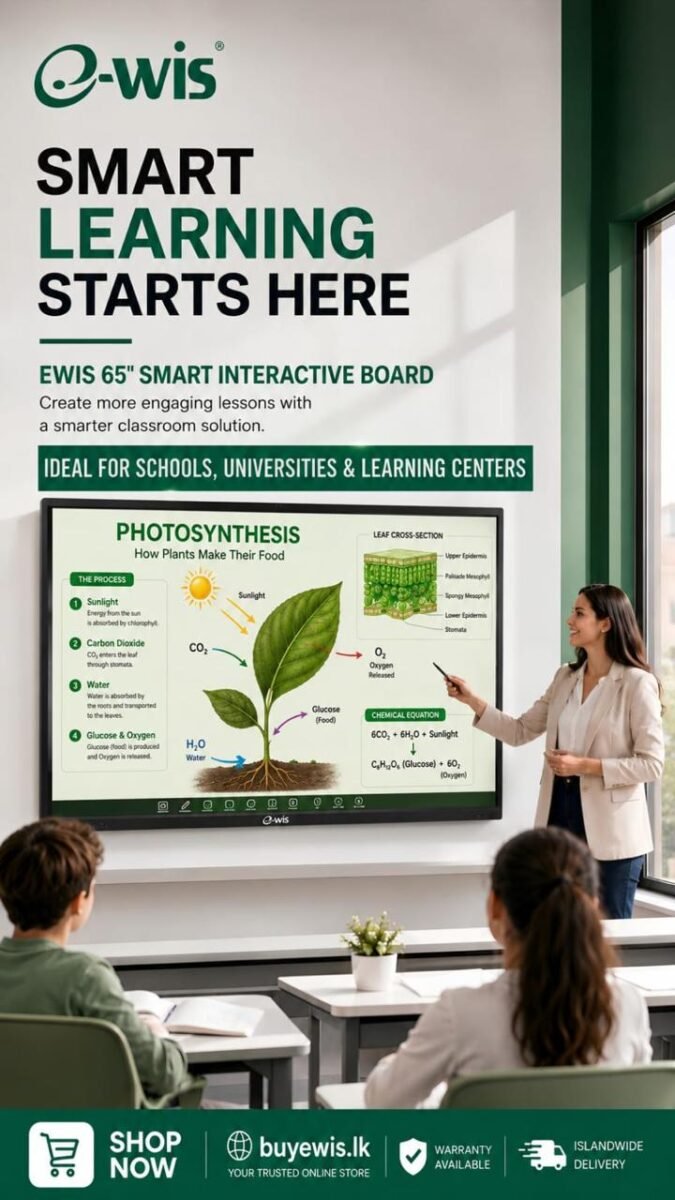
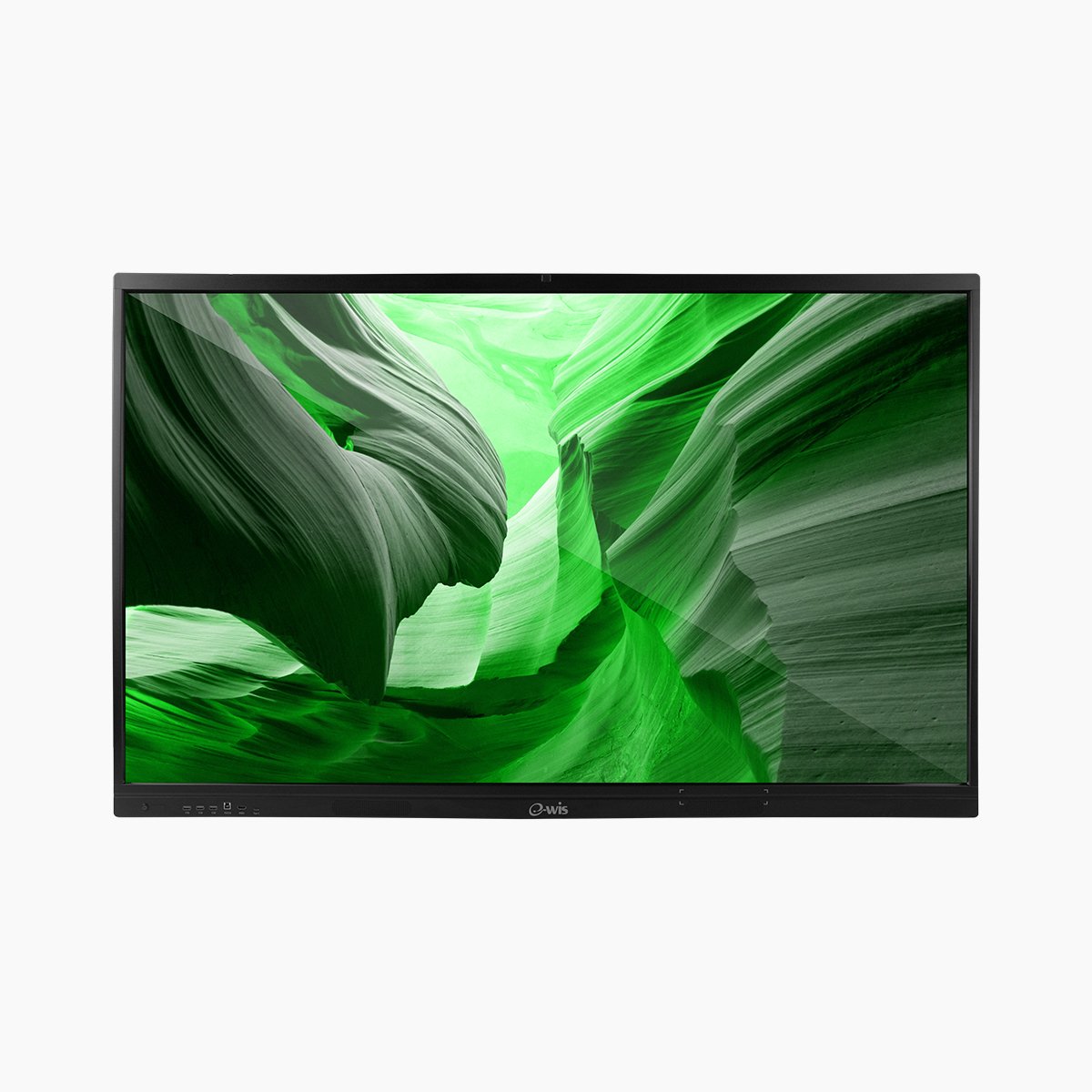
EWIS 65″ Smart Interactive AI Board: One Screen That Transforms Classrooms and Boardrooms
smart board interactive whiteboard
For years, the "interactive whiteboard" in most Sri Lankan schools and offices was a projector, a dusty screen, and a marker that ran out at the worst possible moment. That era is ending.
For years, the "interactive whiteboard" in most Sri Lankan schools and offices was a projector, a dusty screen, and a marker that ran out at the worst possible moment. That era is ending. A new generation of smart interactive displays now does the work of a whiteboard, a 4K screen, an Android computer, a video-conferencing camera, and a collaboration tool — all in a single panel mounted on the wall.The EWIS 65″ Smart Interactive AI Board is built exactly for this shift. Whether you are a school principal trying to keep students genuinely engaged, or a manager tired of meetings where half the room is on a laggy video call, this is one device that solves both problems. Below, we break down what it does, who it's for, and why it's quietly one of the most capable interactive boards you can buy in Sri Lanka today.
What Is a Smart Interactive Board (and Why Now)?
A smart interactive board is a large touchscreen display — in this case, a crisp 65-inch 4K UHD panel — that you write on, draw on, present from, and run apps on directly, without needing a separate computer or projector. Think of it as a giant tablet for a room full of people.
Because it runs Android 15 with 16GB of RAM and 256GB of storage built in, it boots up and works on its own. Open a browser, launch a teaching app, mirror a phone, join a video call, annotate a PDF — all from the screen itself. No trailing cables, no "wait while I connect my laptop," no projector bulb to replace.
The result is simpler for everyone in the room, and that simplicity is the whole point: technology should remove friction from teaching and meetings, not add to it.
Because it runs Android 15 with 16GB of RAM and 256GB of storage built in, it boots up and works on its own. Open a browser, launch a teaching app, mirror a phone, join a video call, annotate a PDF — all from the screen itself. No trailing cables, no "wait while I connect my laptop," no projector bulb to replace.
The result is simpler for everyone in the room, and that simplicity is the whole point: technology should remove friction from teaching and meetings, not add to it.
Specs That Actually Matter (Translated Into Plain Benefits)
The full specification sheet is long, so here are the parts that change how the board actually feels to use:
The hardware ships with everything you need to start: power cord, remote, two stylus pens, a wall mount, and an aluminium-alloy anti-corrosion frame built to last in Sri Lanka's humid climate.
For Schools: Turning a Quiet Classroom Into an Active One
Engagement is the hardest problem in any classroom, and a static whiteboard does nothing to solve it. An interactive board changes the dynamic.
With 40-point touch and dual pens, two students can come up and solve a problem together. Lessons can include video, diagrams, and live annotation over any subject — a science teacher can mark up a diagram of the human heart, then play a short clip, then have a student write their answer, all on the same screen. The wide IPS viewing angle means the student in the back corner sees the same crisp detail as the one in front.
The built-in camera and microphone array also open the door to hybrid and recorded learning — useful for guest lectures, absent students, or building a library of recorded lessons. And because content uploads easily via QR code, teachers can pull material onto the board from a phone in seconds.
For schools running multiple rooms, EWIS supports bulk orders and multiple on-site training sessions, so your teachers actually feel confident using the board from day one rather than leaving it switched off.
With 40-point touch and dual pens, two students can come up and solve a problem together. Lessons can include video, diagrams, and live annotation over any subject — a science teacher can mark up a diagram of the human heart, then play a short clip, then have a student write their answer, all on the same screen. The wide IPS viewing angle means the student in the back corner sees the same crisp detail as the one in front.
The built-in camera and microphone array also open the door to hybrid and recorded learning — useful for guest lectures, absent students, or building a library of recorded lessons. And because content uploads easily via QR code, teachers can pull material onto the board from a phone in seconds.
For schools running multiple rooms, EWIS supports bulk orders and multiple on-site training sessions, so your teachers actually feel confident using the board from day one rather than leaving it switched off.
For Offices: Meetings That Don't Waste the First Ten Minutes
Every hybrid meeting has the same opening ritual — someone fumbling with cables, someone asking "can you see my screen?", someone the remote team can't hear. The EWIS board removes all of it.
The 48MP AI voice-tracking camera automatically frames whoever is talking, and the 8-microphone array captures the whole room clearly up to around 8 metres. Remote colleagues see and hear a real conversation, not a wide static shot of a table. Up to nine people can mirror their screens wirelessly, and split-screen lets you run two sources side by side — a presentation next to live notes, for example.
It works as a digital whiteboard for brainstorming, a presentation screen, and a video-conferencing hub in one. For boardrooms, training rooms, and meeting spaces, that consolidation is exactly what justifies the investment.
The 48MP AI voice-tracking camera automatically frames whoever is talking, and the 8-microphone array captures the whole room clearly up to around 8 metres. Remote colleagues see and hear a real conversation, not a wide static shot of a table. Up to nine people can mirror their screens wirelessly, and split-screen lets you run two sources side by side — a presentation next to live notes, for example.
It works as a digital whiteboard for brainstorming, a presentation screen, and a video-conferencing hub in one. For boardrooms, training rooms, and meeting spaces, that consolidation is exactly what justifies the investment.
What Makes the EWIS Board Different in Sri Lanka
There are cheaper interactive panels on the market, many of them grey imports with no local support. Here is where EWIS stands apart — and why it matters long after the purchase:
The only power-surge protection of its kind in Sri Lanka
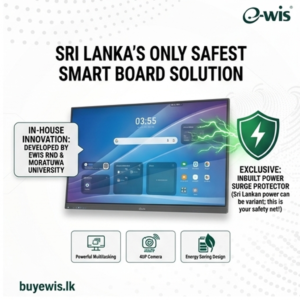
An inbuilt surge protector with centralised monitoring, built for locally manufactured electronics. Where voltage spikes regularly kill devices, this is the difference between a board that lasts years and one that fails after a storm.
Engineered with University of Moratuwa R&D
Real local engineering credibility, developed with one of Sri Lanka's top technical institutions — not a rebadged import.
Islandwide service centres
Support is a phone call away, anywhere in the country — not a shipping label to an overseas warehouse.
On-site installation and training
EWIS installs the board and trains your staff or teachers, with multiple sessions available so the technology actually gets used.
Built for local conditions
An aluminium-alloy anti-corrosion frame suited to Sri Lanka's humidity, with CE, RoHS, and FCC certifications.
Strong local value
High-end specifications at a competitive price thanks to local manufacturing — without sacrificing the after-sales support imported alternatives can't offer.
Frequently Asked Questions
This is the title
1Is the EWIS 65″ board good for both schools and offices?
Yes. The 40-point touch and dual-pen writing suit classroom collaboration, while the AI voice-tracking camera and 8-mic array make it equally strong for hybrid meetings and boardrooms.
2Does it need a separate computer to work?
No. It runs Android 15 with 16GB RAM and 256GB storage built in, so it works as a standalone device. You can still connect laptops and other sources via HDMI, USB-C, or VGA if you prefer.
3How many devices can mirror to it at once?
Up to nine screens can be wirelessly mirrored at the same time.
4What about power surges?
The board includes an inbuilt power surge protector with centralised monitoring — a key advantage in Sri Lanka, where surges and voltage fluctuations are common.
5Do you offer installation and training?
Yes. EWIS provides on-site installation and multiple staff or teacher training sessions, with islandwide service-centre support after purchase.
6Can I see it before buying?
Yes — you can book a demonstration to see the board in action before deciding.Location - Our Showroom
No. 441/7, 2nd Lane, Kotte Road,
Rajagiriya, Sri Lanka.
See It For Yourself
The best way to understand an interactive board is to put your hand on the screen and write. Book a demo, ask about bulk pricing for your school or organisation, or place a pre-order today.
Call 077 0 520 520 / 011 7 520 520, message us on WhatsApp , or visit the EWIS 65″ Smart Interactive AI Board product page to get started.
EWIS — locally engineered technology, backed by islandwide support.
Call 077 0 520 520 / 011 7 520 520, message us on WhatsApp , or visit the EWIS 65″ Smart Interactive AI Board product page to get started.
EWIS — locally engineered technology, backed by islandwide support.


September 17, 2026
June 24, 2026